Stappen voor schetsstijl + verlichting
Ga naar Gemini of ander AI platform waar Nano Banana in zit (Fal.ai, Adobe Firefly, Higgsfield, Leonardo etc. etc.)
Upload een 3D tekening
Copy/paste de prompt: handgetekende stijl met markers
Geef een Enter
Download de afbeelding (handgetekende schets)
Upload deze + de prompt 'Kunstlicht toevoegen aan schets of fotorealistische afbeelding zonder kunstlicht
Geef een Enter
Je kunt dit ook doen met een 3D tekening waar je alleen verlichting in wilt hebben.
Upload dan een 3D tekening en copy/paste de prompt: Kunstlicht toevoegen aan 3D tekening
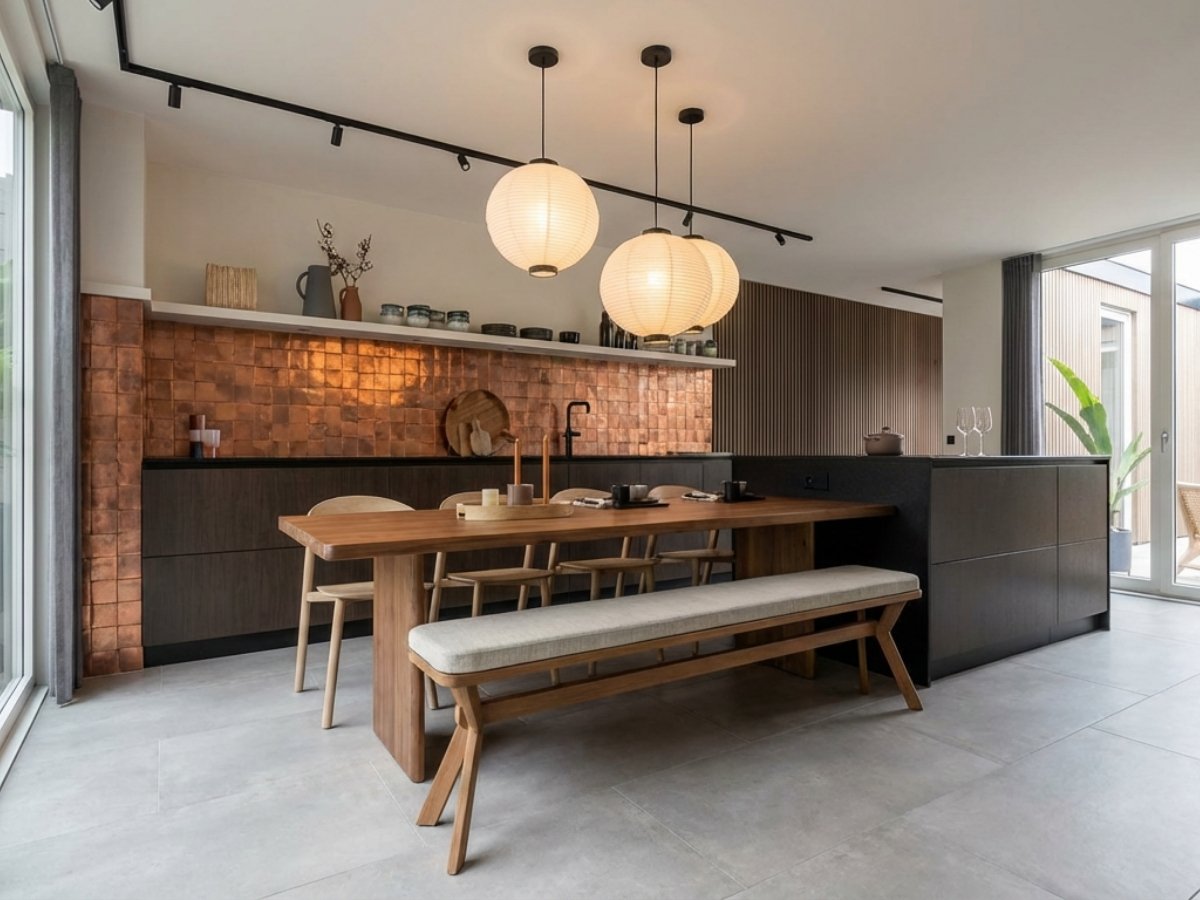
Basis fotografie met kunstlicht overdag
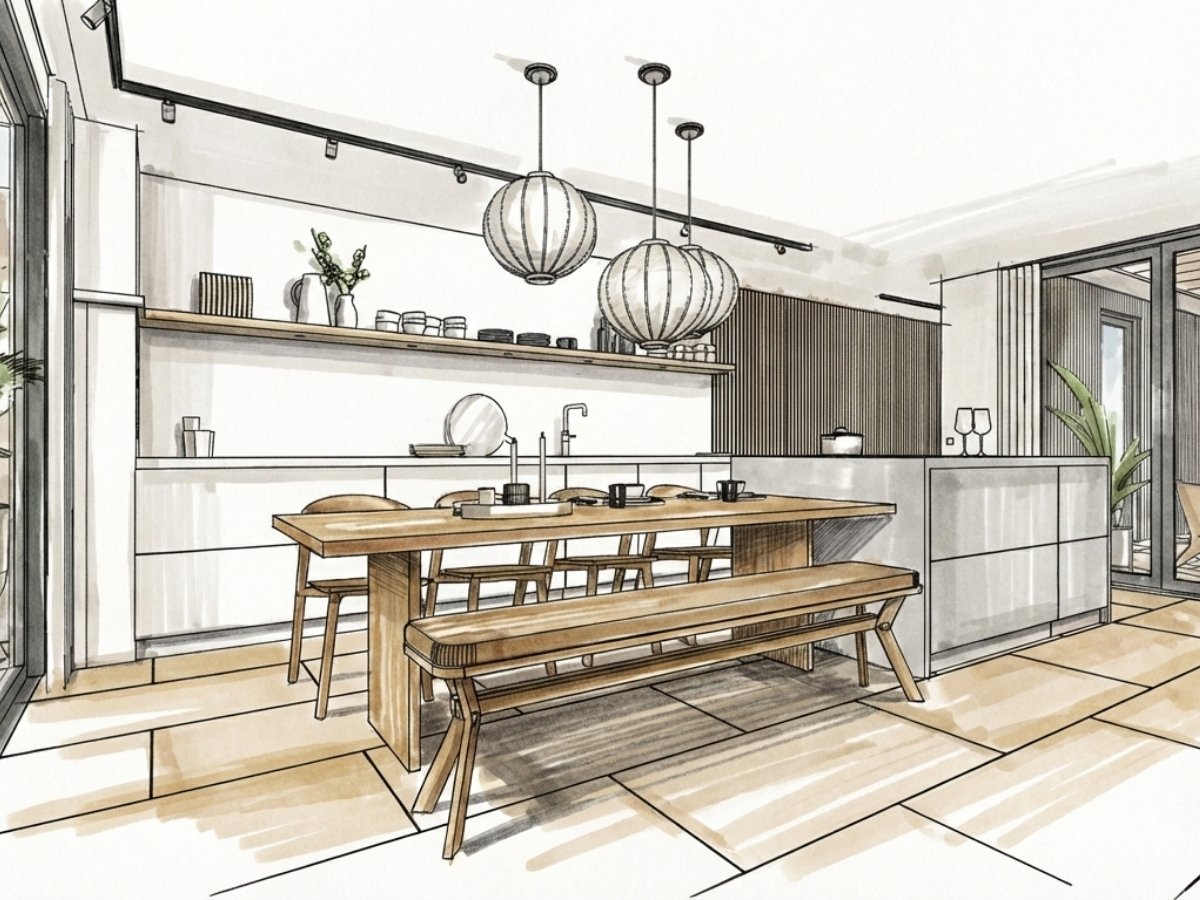
Handgetekende stijl met markers
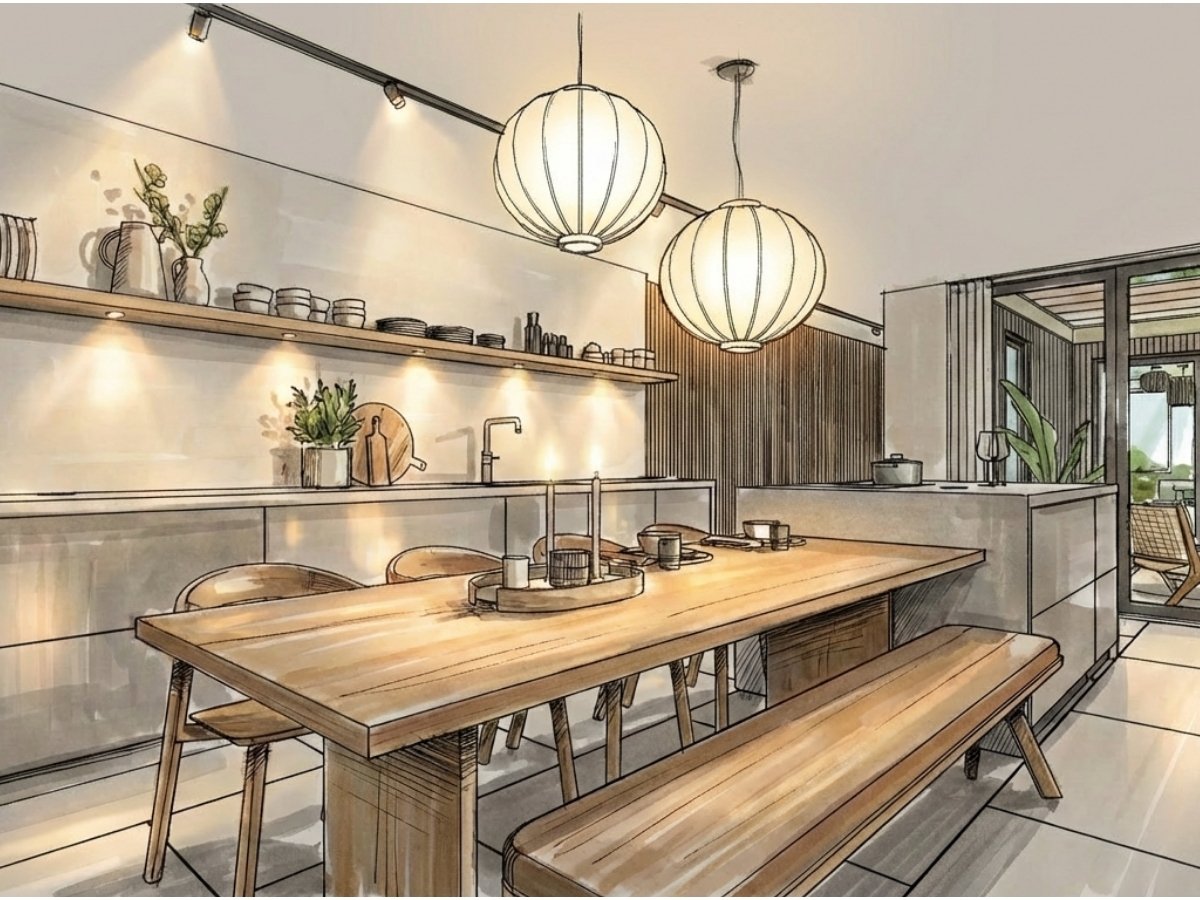
Kunstlicht toevoegen aan schets of fotorealistische afbeelding zonder kunstlicht
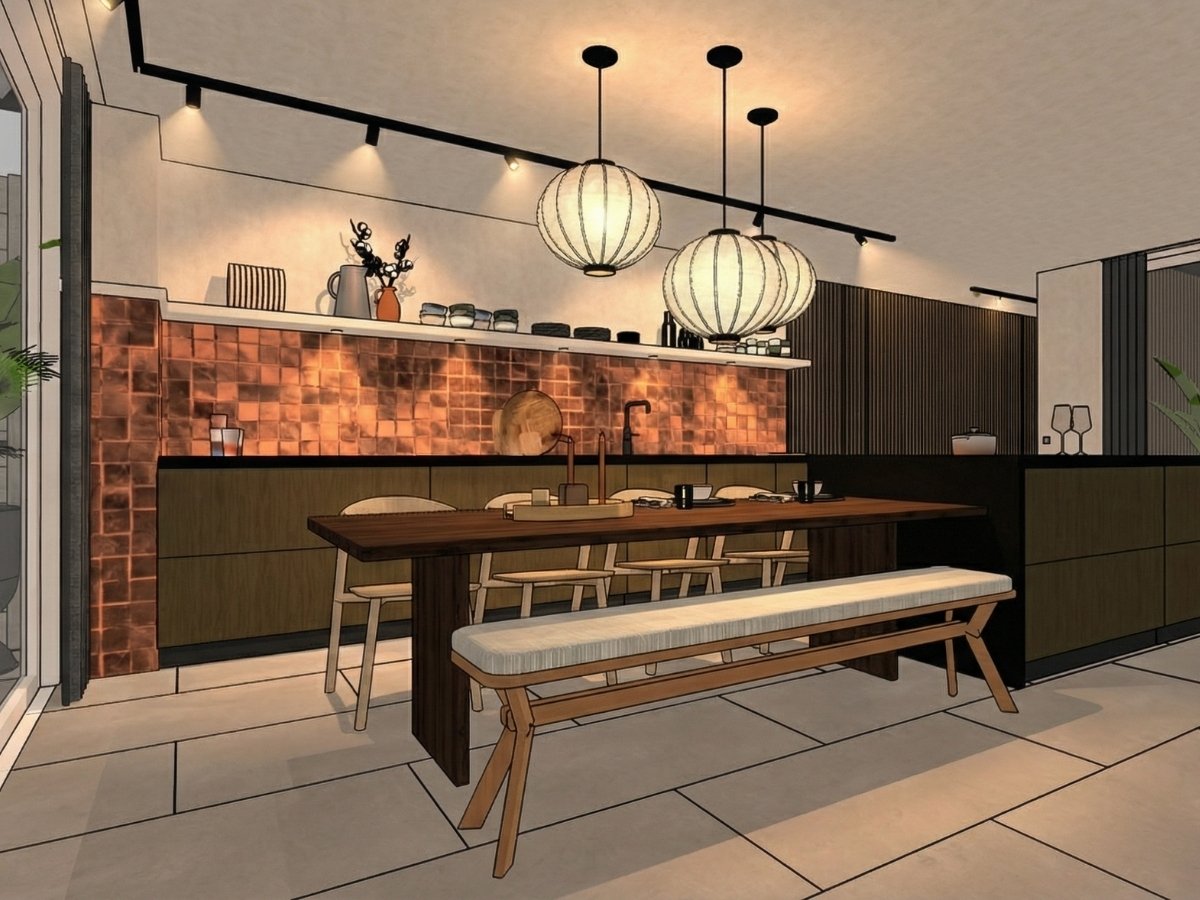
Kunstlicht toevoegen aan 3D tekening
Task: Edit the provided image to activate artificial lighting, strictly adhering to the constraints below.
1. Scope of Activation (Strict Constraint):
Analyze the image and identify all visible lighting fixtures (pendants, lamps, wall sconces).
Turn ON only these visible fixtures.
CRITICAL: Do NOT add any new light sources that are not physically present in the original image (no hidden LED strips, no cove lighting, no off-camera spotlights). If a fixture is not seen, it must remain off.
2. Lighting Characteristics & Realism:
The activated fixtures should emit a realistic, warm-white glow (approx. 2700K).
This new light must interact realistically with the scene. It should create localized bright spots (blooms) around the light sources themselves.
Add realistic warm reflections and highlights onto nearby glossy surfaces (like the silk-gloss cabinetry or satin floors mentioned previously).
The new light should cast subtle, soft shadows locally, enhancing depth without overriding the original daylight.
3. Preservation:
Ensure the rest of the image remains identical. The original daylight balance, textures, and composition must be preserved outside the immediate influence of the newly activated lamps.
Gebruik hiervoor dezelfde prompt als hiernaast (desktop) of hierboven (mobiele weergave).
Het was aanvankelijk een prompt om achteraf kunstlicht toe te voegen aan een fotorealistische afbeelding zonder kunstlicht.
Het geeft een waanzinnig effect op schetsen. Op een zwart witte schets werkt het ook.
Zou zeggen, promptse :-)